No-Code Automation Tools UK 2026: The Small Business Guide
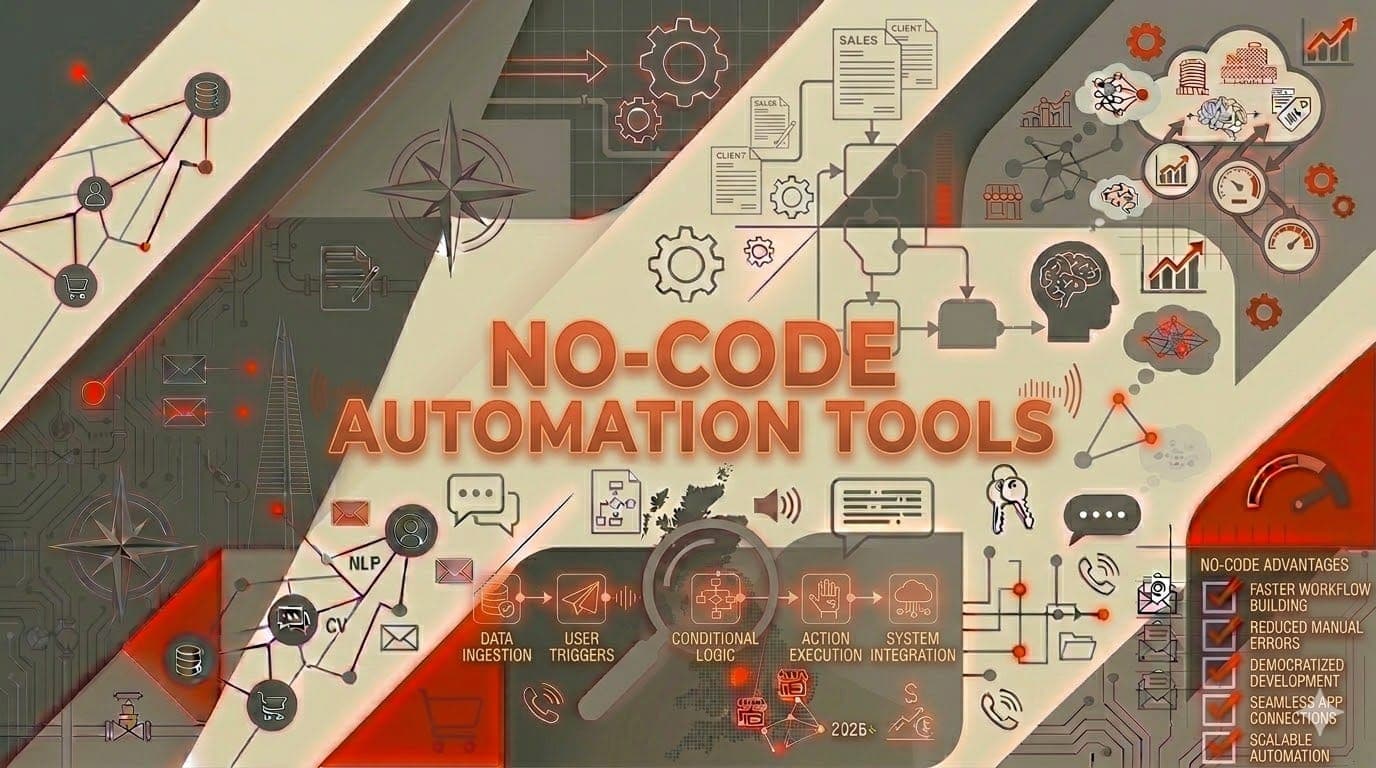
You don't need a developer to automate your business. That's the single most important thing UK small business owners need to understand about no-code automation tools in 2026. The gap between "I want to automate this" and "it's automated" has never been smaller -- and you don't need to write a single line of code to close it.
No-code automation tools let you connect your existing software, trigger actions automatically, and eliminate repetitive tasks by building workflows visually. Drag, drop, connect, done. Your email tool talks to your CRM. Your accounting software sends reminders automatically. Your job management system triggers follow-ups without you lifting a finger.
The UK small business market has caught on. With 52% of UK SMEs now using AI in some form, no-code automation is often the entry point -- the first practical taste of what automation can do before investing in anything more complex.
This guide compares the best no-code automation tools available to UK businesses right now, with real costs, real use cases, and honest assessments of what each one does well and where it falls short.
What no-code automation actually means
Before we compare tools, let's be clear about what no-code automation is and isn't.
What it is: Software that lets you create automated workflows between your existing tools using a visual interface. No programming required. You choose a trigger ("when a new invoice is created in Xero"), add actions ("send a payment reminder email after 7 days"), and the tool handles the rest.
What it isn't: A replacement for custom software development. No-code tools excel at connecting things that already exist. They're less suited to building entirely new applications from scratch (though some platforms are pushing into that territory).
Why it matters for UK SMBs: Most small businesses use 5-10 different software tools that don't talk to each other. No-code automation is the glue that connects them -- turning isolated tools into an integrated system without the cost of custom development.
The big three: Zapier, Make.com, and n8n
Zapier: the market leader
Zapier is the tool most people think of when they hear "automation." It's the largest platform with over 7,000 app integrations, and it's designed to be as simple as possible.
Best for: Beginners. Business owners who want to set up a simple automation in 15 minutes and forget about it. Teams that need reliability above all else.
How it works: Zapier calls its automations "Zaps." Each Zap has a trigger (something happens) and one or more actions (something else happens in response). The interface is straightforward -- select your apps, map the data fields, and test.
UK-relevant integrations: Xero, Sage, FreeAgent, Mailchimp, HubSpot, Google Workspace, Slack, Calendly, Stripe, GoCardless, and thousands more.
Real example: Fiona, a letting agent in Liverpool, set up a Zap that triggers when a tenant submits a maintenance request through her website form. The Zap creates a task in her project management tool, sends an acknowledgement email to the tenant, and notifies the relevant contractor -- all within seconds. Setup time: 20 minutes. Previous manual process: 15 minutes per request.
Pricing (UK, 2026):
- Free: 100 tasks/month, 5 single-step Zaps
- Starter: from £15/month (750 tasks, multi-step Zaps)
- Professional: from £40/month (2,000 tasks, advanced features)
- Team: from £55/month per user
Strengths: Largest app library, simplest interface, most tutorials and documentation available, rock-solid reliability.
Weaknesses: Gets expensive at scale (charged per task), less flexible for complex logic, limited data transformation capabilities compared to Make.com.
Make.com (formerly Integromat): the power tool
Make.com offers significantly more power and flexibility than Zapier, at a lower price per operation. The trade-off is a steeper learning curve.
Best for: Business owners comfortable with a bit of complexity who want more control. Businesses that need to process high volumes of data. Anyone who's outgrown Zapier's pricing.
How it works: Make.com uses a visual workflow builder where you drag and connect modules. Each module represents an action in a specific app. The visual approach makes complex, branching workflows easier to understand than Zapier's linear format.
UK-relevant integrations: Xero, Sage, QuickBooks, Mailchimp, HubSpot, Google Workspace, Slack, Stripe, GoCardless, plus HTTP/API modules for connecting to anything with an API.
Real example: Derek, who runs a five-person accountancy practice in Plymouth, built a Make.com workflow that monitors his shared inbox for client document emails, extracts attachments, categorises them by client using folder naming conventions, uploads them to the right client folder in Google Drive, and marks the email as processed. The whole thing runs every five minutes. "It replaced about 45 minutes of daily filing work."
Pricing (UK, 2026):
- Free: 1,000 operations/month
- Core: from £8/month (10,000 operations)
- Pro: from £14/month (10,000 operations + advanced features)
- Teams: from £26/month per user
Strengths: Far cheaper per operation than Zapier, visual workflow builder that handles branching logic well, powerful data manipulation, excellent for complex automations.
Weaknesses: Steeper learning curve, fewer pre-built templates, some UK-specific integrations are less polished than Zapier's versions.
n8n: the self-hosted option
n8n is an open-source automation platform that you can self-host for free or use their cloud service. It's the most technically capable of the three but also the most demanding.
Best for: Technically confident business owners or businesses with in-house IT. Anyone who needs to keep data entirely on their own servers (important for some regulated industries). Cost-sensitive businesses that process high volumes.
How it works: Similar visual workflow builder to Make.com, but with the option to add custom JavaScript code nodes for anything the built-in integrations can't handle. Self-hosting means you control the infrastructure.
UK-relevant integrations: All major platforms plus custom API connections. Community-built integrations cover most UK-specific tools.
Real example: A property management company in Manchester with 400+ units self-hosts n8n on a £10/month server. Their automation handles tenant email triage, maintenance request routing, rent reminder sequences, and contractor scheduling across three different property management platforms. Total monthly cost: £10 for hosting. The equivalent in Zapier would cost over £200/month based on task volume.
Pricing (UK, 2026):
- Self-hosted: Free (you pay for your own server, typically £5-20/month)
- Cloud (Starter): from £18/month (2,500 executions)
- Cloud (Pro): from £42/month (10,000 executions)
Strengths: Free self-hosted option, extremely flexible, full data control, no per-task pricing on self-hosted, active open-source community.
Weaknesses: Requires technical knowledge for self-hosting and maintenance, smaller integration library than Zapier, fewer tutorials and support resources, setup takes longer.
Head-to-head comparison
| Feature | Zapier | Make.com | n8n |
|---|---|---|---|
| Ease of use | Easiest | Moderate | Hardest |
| UK integrations | Excellent | Very Good | Good |
| Free tier | 100 tasks/month | 1,000 ops/month | Unlimited (self-hosted) |
| Paid from | £15/month | £8/month | £18/month (cloud) |
| Complex workflows | Basic | Excellent | Excellent |
| Self-hosting | No | No | Yes |
| Best for | Beginners | Power users | Technical users |
Which tool should you choose?
Choose Zapier if: You want the simplest possible setup, you need specific UK app integrations that just work out of the box, you're building straightforward automations (A triggers B), and you don't mind paying more for convenience.
Choose Make.com if: You want better value for money, you're comfortable spending an hour learning the interface, your automations need branching logic (if X then Y, otherwise Z), or you're processing high volumes where Zapier's per-task pricing becomes expensive.
Choose n8n if: You have technical skills or in-house IT support, you need to keep all data on your own servers, you're processing very high volumes, or you want to avoid any per-operation costs.
For most UK small businesses, the honest recommendation is: start with Zapier, learn the basics, and migrate to Make.com once you understand what you need and Zapier's pricing starts to pinch. That's the path about 70% of the businesses we work with follow.
Five no-code automations every UK small business should set up
Whatever platform you choose, these five automations deliver the highest return for the least effort:
1. Invoice payment reminders
Trigger: Invoice created in Xero/Sage/QuickBooks
Actions: Send graduated reminders at 7, 14, and 21 days overdue
Time saved: 2-4 hours/week
2. New enquiry response
Trigger: Contact form submission or email to your enquiries address
Actions: Immediate acknowledgement email, create task in your CRM, notify relevant team member
Time saved: 1-2 hours/week
3. Client onboarding sequence
Trigger: New client added to your CRM or accounting software
Actions: Send welcome email series with documents needed, setup instructions, and key contacts
Time saved: 1-2 hours/week
4. Social media posting
Trigger: New blog post published or scheduled content calendar entry
Actions: Create and schedule posts across LinkedIn, Facebook, and X
Time saved: 1-3 hours/week
5. Document filing
Trigger: Email received with attachment matching specific criteria
Actions: Extract attachment, categorise, save to correct folder in Google Drive or SharePoint
Time saved: 30-60 mins/week
Total potential saving from these five automations: 5-12 hours per week.
Want help identifying which automations would save you the most time? The AI Assessment maps your specific workflows and recommends which to automate first. £499, money-back guarantee if we can't find 5+ hours of weekly savings.
Common mistakes with no-code automation
Building too many automations at once
Start with one. Get it working perfectly. Then build the next one. We've seen businesses set up ten automations in a weekend, test none of them properly, and end up with clients getting duplicate emails and invoices filed in the wrong folders.
Not testing with real data
Every automation tool lets you test with sample data. That's fine for the initial build. But before going live, run it with real data from your actual business. Edge cases -- unusual characters in names, missing fields, double submissions -- only show up with real data.
Ignoring error handling
What happens when an automation fails? If a Zapier task can't complete because an API is down, does someone get notified? Set up error alerts from day one. A broken automation that no one notices is worse than no automation at all.
Paying for features you don't need
Start with the cheapest plan that covers your task volume. Upgrade when you hit the limit, not before. Most small businesses can run comfortably on Zapier Starter or Make.com Core for months before needing to upgrade.
FAQ: No-code automation tools for UK businesses
Do I need any technical skills?
For Zapier, genuinely no. If you can use email and follow instructions, you can set up a Zap. For Make.com, a basic understanding of how data flows between systems helps. For n8n, some technical comfort is needed for self-hosting, though the cloud version is similar to Make.com.
Are these tools GDPR compliant?
Zapier and Make.com both offer EU data hosting options and have GDPR-compliant data processing agreements. For n8n self-hosted, you control where data is stored. Always check that your specific configuration meets GDPR requirements, particularly if you're processing customer personal data.
Can no-code tools replace custom software?
For most small business needs, yes. If your requirement is connecting existing tools and automating workflows between them, no-code handles it brilliantly. If you need a completely bespoke application with unique functionality, you'll still need a developer -- but that's a much rarer need than most businesses think.
How much do no-code automations cost to run monthly?
Most UK small businesses spend £15-£50/month on their automation platform. The ROI is typically evident within the first week -- if an automation saves you two hours per week at a value of £30/hour, it's paying for itself many times over.
Get started with no-code automation this week
The best time to automate was last year. The second best time is today. Pick one repetitive task that eats your time every week, choose the platform that fits your comfort level, and build your first automation.
If you'd rather skip the trial-and-error, that's exactly what our no-code automation service handles. We build, test, and deploy the automations for you, connected to your existing tools, working from day one.
Or start with the free AI audit to see where your biggest automation opportunities are. Then decide whether to build them yourself or let us handle it.
The tools are ready. The integrations exist. The only thing standing between you and 5-12 hours of reclaimed time per week is the decision to start. No-code automation tools are the fastest way for UK small businesses to get real results from technology in 2026 -- without writing a single line of code.